
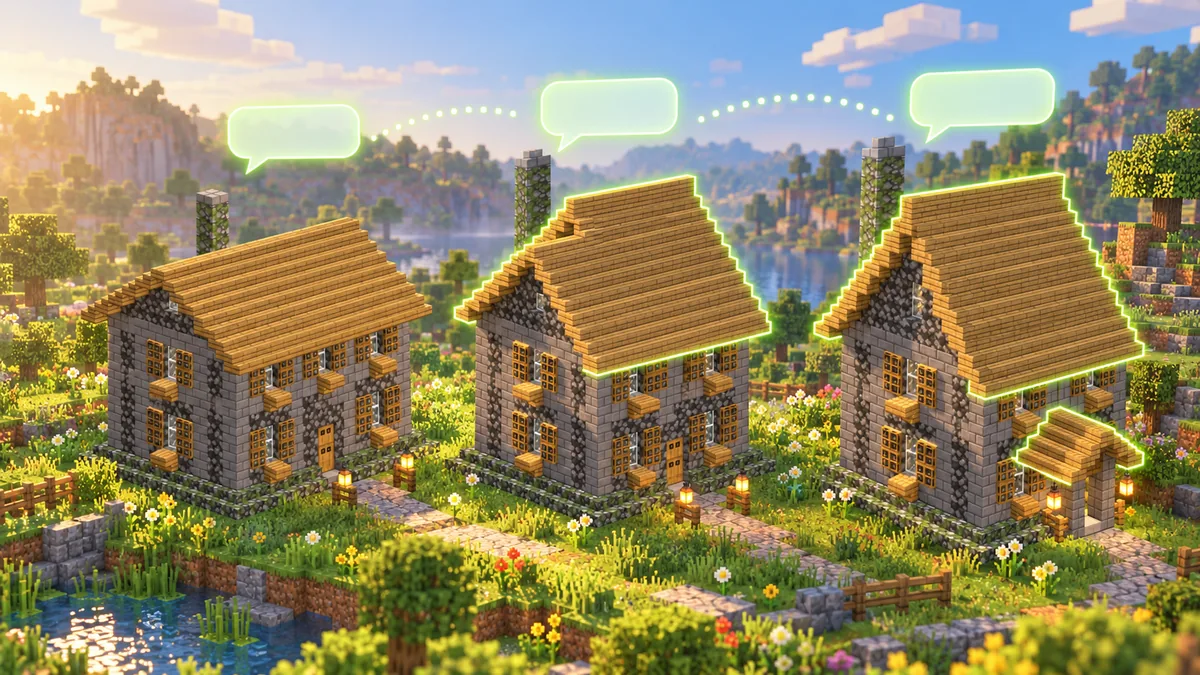
Updated 8 November 2026. Prices are the ones on the site that day.
Most builds come out nearly right, and the last ten percent is where the work goes: a roof too flat, a door with nothing over it. A Minecraft AI assistant is worth having when it can do that last ten percent with you instead of starting again.
Short answer: in Block Dreamer you describe a build in a chat, get it in 3D, then type a change such as "make the roof steeper". You pick Quick (it edits the part you named) or Thorough (it edits, looks at the result and corrects it), and each change becomes a new version while the old ones stay one click away.
What the assistant is, and what it isn't
Block Dreamer is an AI Minecraft build agent: you describe a build in a chat, it makes it as a Java 1.21 building or figure with a 3D preview, a layer plan, a block list and downloads for vanilla (.mcfunction), WorldEdit (.schem) and Litematica (.litematic), and then changes it as you ask, keeping every version; it makes one build at a time, not whole cities or landscapes.
It runs in the browser, not inside your game. If you search for a Minecraft AI assistant or chatbot, most of what comes up are mods that put one in the game: AIbuilder and AI Builder on CurseForge, AIConstructor for Paper servers, Gemini Building, AIChatBuild. Their pages, read on 19 October 2026, describe the same set-up: a mod loader, one Minecraft version, and a model you connect yourself with your own API key. Block Dreamer needs none of that; what you take into the game is a file.
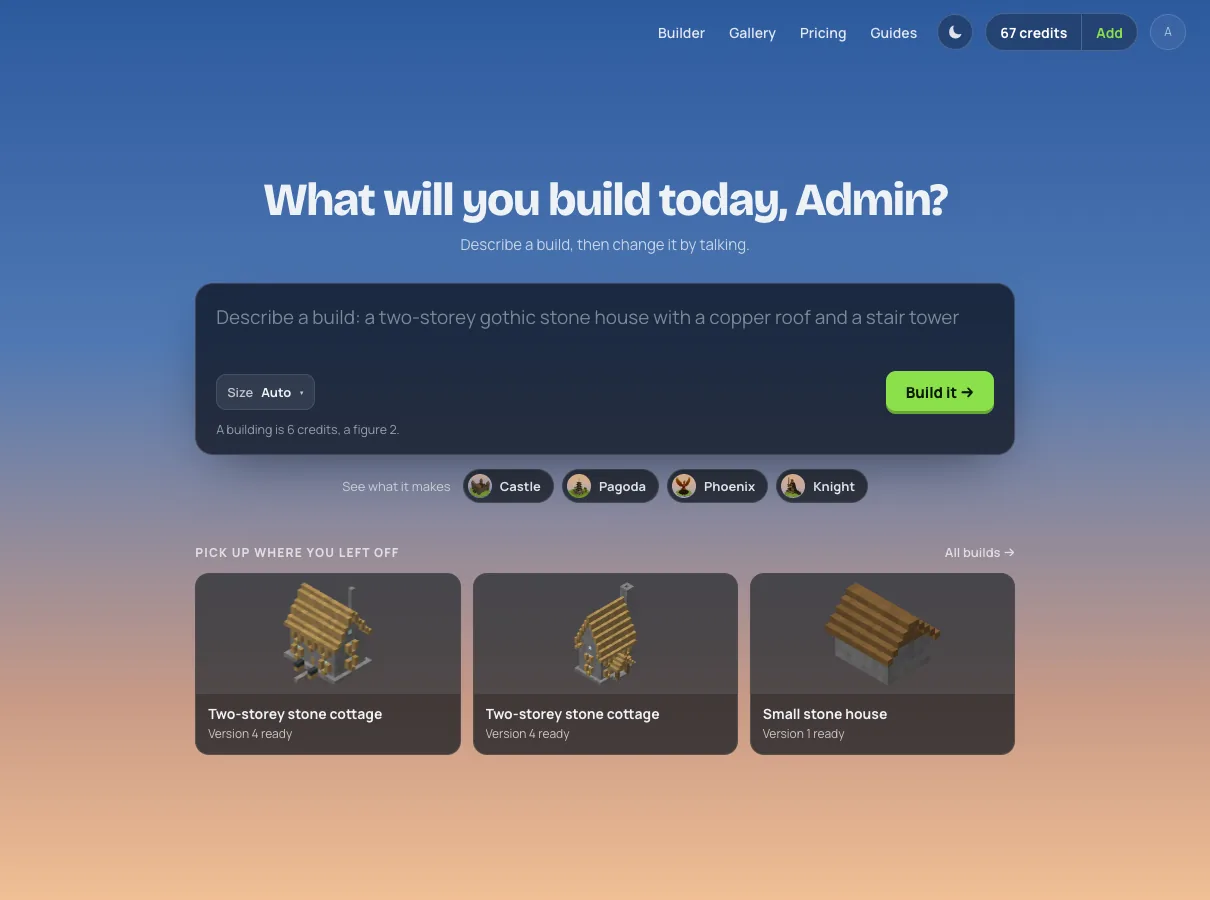
One cottage, four versions
This is a real conversation, made on 18 October 2026, with every number read off the page.
The first message was one sentence: "A two-storey stone cottage with an oak roof, a furnished kitchen downstairs and a bedroom upstairs, with a chimney." The assistant read it as a building and wrote it in named parts, the roof, the chimney, the floors. Version 1 came back at 15 × 18 × 15 blocks, 940 blocks, a cobblestone and stone-brick cottage with oak shutters, a gable roof of oak stairs and a chimney of mossy stone. Downstairs it had a table with chairs, water cauldrons, a furnace and a smoker; upstairs a red bed.
| Version | What was asked | Mode | Size on the page | Blocks |
|---|---|---|---|---|
| 1 | the cottage, in one sentence | new building | 15 × 18 × 15 | 940 |
| 2 | Make the roof steeper | Quick | 15 × 21 × 15 | 1,038 |
| 3 | Add a covered porch at the front door with two lanterns | Thorough | 15 × 21 × 15 | 1,078 |
| 4 | from version 1: two blocks higher at the ridge, keep the chimney | Thorough | 15 × 20 × 15 | 1,013 |
As for how long it takes: across the site in the first week of November 2026, a new building took about a minute and a half on average, a Quick change about a minute and a Thorough change two to three minutes.
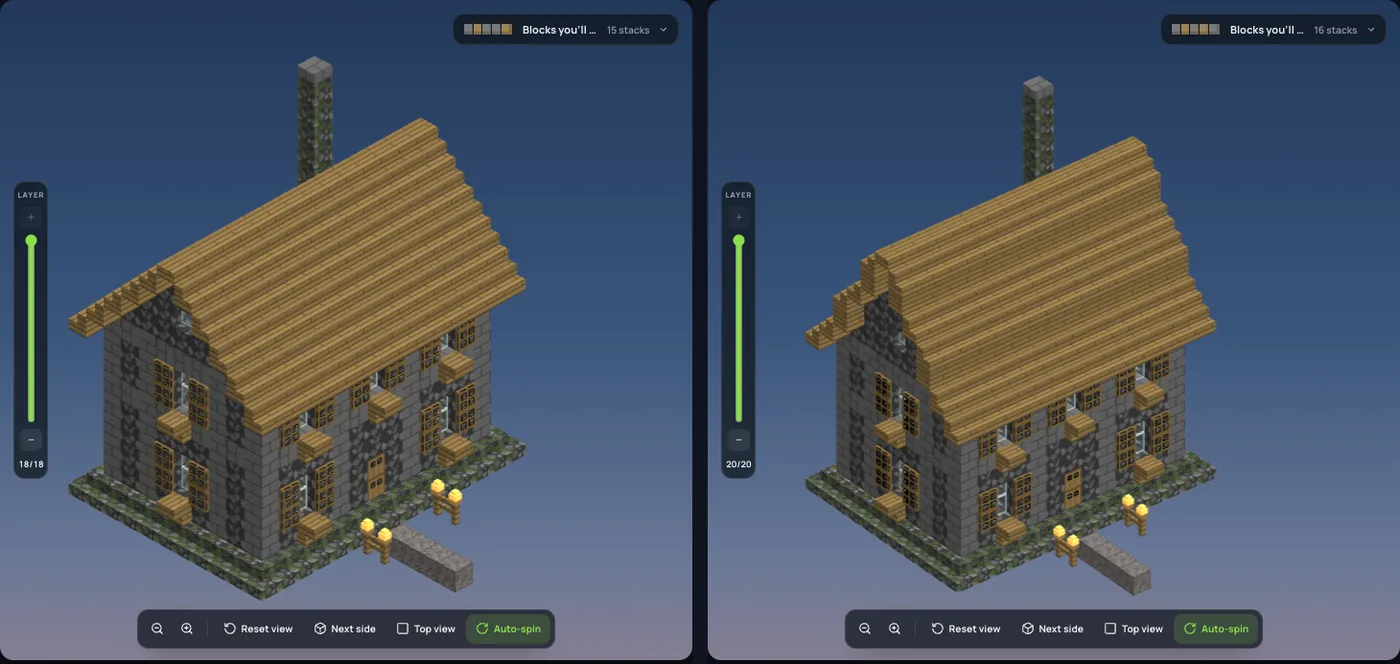
Version 2, a quick change. "Make the roof steeper" cost one credit. The roof went from 18 layers to 21, and the reply said the chimney had been raised with it. I compared the two versions block by block afterwards: the bottom ten layers, walls, windows and both floors, were identical, and every changed block was in the roof or the chimney top.
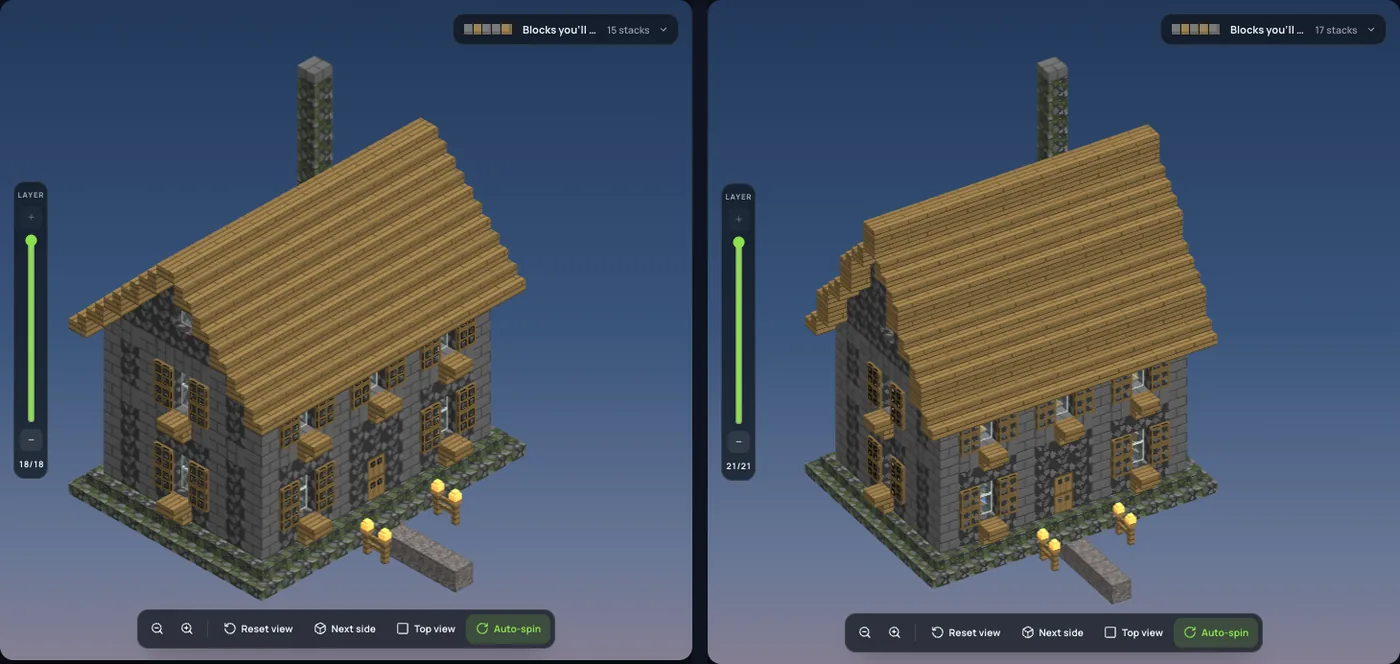
Three layers was more than I meant. "Steeper" gives the assistant nothing to measure, so it picked a pitch; that is the one thing I'd change in how I asked.
Version 3, a thorough change. "Add a covered porch at the front door with two lanterns" was sent in Thorough mode. The steps under the message showed the porch being changed and then the build being looked over: after writing the porch it looked at the finished build before answering. The porch came back with an oak roof on stone-brick posts and a lantern on each side, 40 blocks more than version 2, and every block that changed was at the front, in the bottom seven layers.
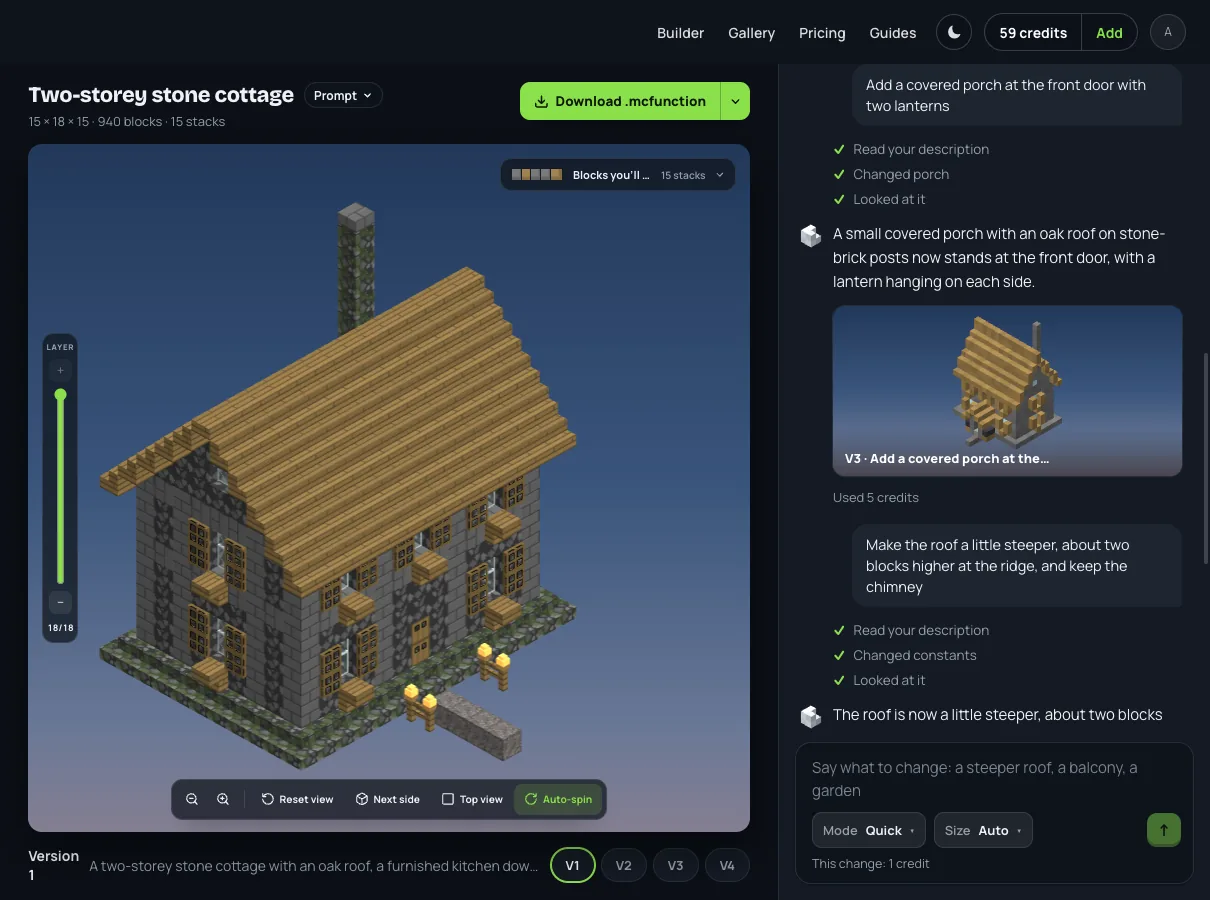
Back to version 1, then version 4. Every version sits under the build as a button. Pressing V1 put the first cottage back on the stage, and the conversation noted "Back to version 1. No credits used." The next change then started from version 1, not from version 3. This time the request had a number in it: "make the roof a little steeper, about two blocks higher at the ridge, and keep the chimney." Version 4 is 20 layers tall, two more than version 1, with the chimney still above the roof.
Quick or Thorough: which mode to send a change in
The Mode switch beside the message box decides how the next change is made, and it shows the price before you send.
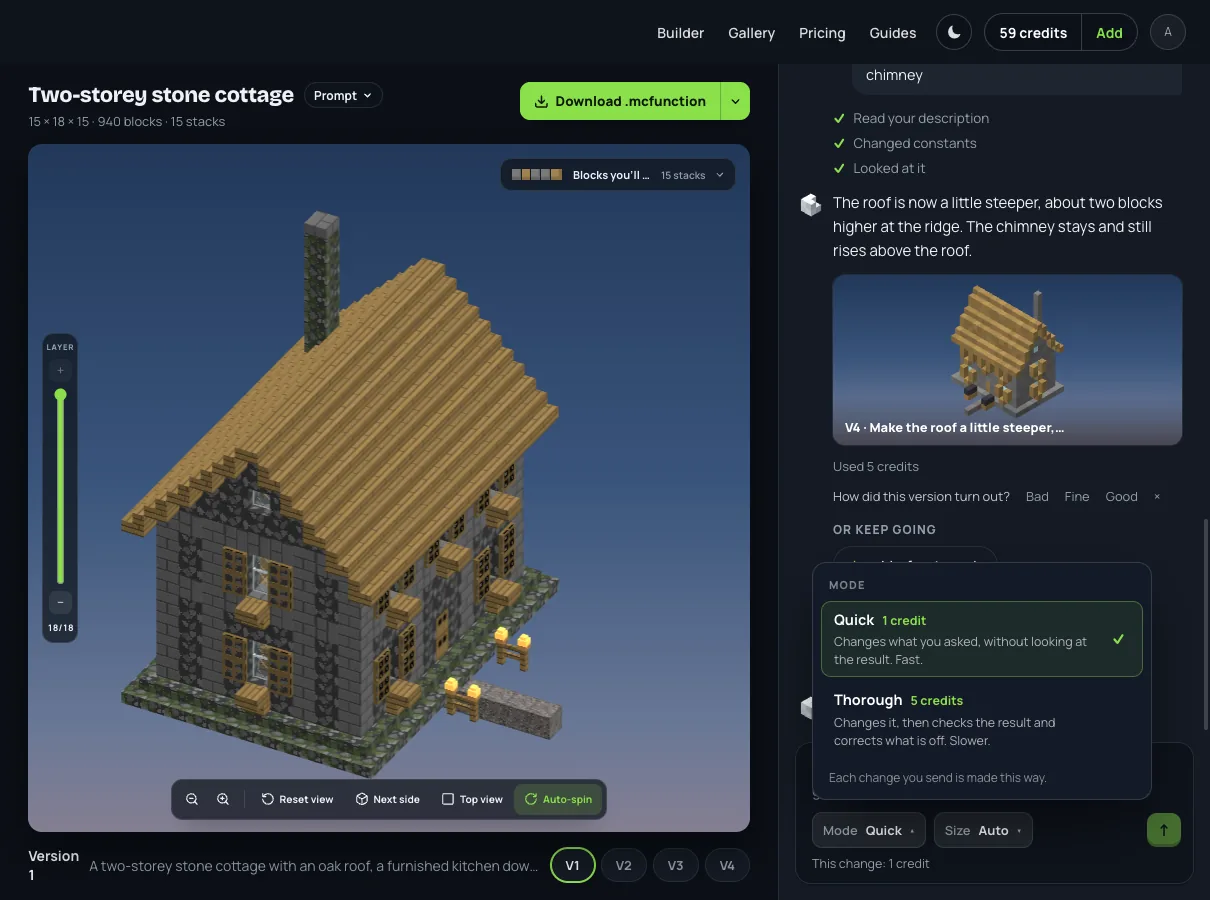
Quick "changes what you asked, without looking at the result". It rewrites the part the change touches from the program alone, and on 8 November 2026 it costs 1 credit. It suits a change you can describe exactly: a colour, a material, a roof two blocks higher, a window more on one side.
Thorough "changes it, then checks the result and corrects what is off". It looks at the finished build once and tries to correct what came out wrong, and on 8 November 2026 it costs 5 credits. It suits anything that has to fit around what is already there: a porch against a door, a tower joined to a wall, a second floor.
If you send a change in Quick mode and the assistant reads it as a big one, it stops and asks before doing anything: "This is a big change. We suggest Thorough." You choose; nothing is switched for you, and nothing is charged until you do.
My rule after the cottage: Quick when the change fits in one number, Thorough when it has to touch something else.
Ways of asking that work
- Give numbers. "Two blocks higher at the ridge" did what "steeper" only guessed at. Sizes in numbers ("30 by 20", "60 blocks tall") come before anything else the assistant reads.
- Name the part. The building is written in named parts, so "the porch", "the chimney", "the upstairs windows" tell it where to work.
- Say what to keep. "Keep the chimney" was kept.
- One change a message. Each message is one version, and each version can be gone back to. Three changes in one message are three things you can't undo separately.
- Use the suggestions. After each version the assistant offers a few next changes under "Or keep going" (a front porch, a vegetable garden, more windows upstairs); pressing one puts it in the conversation as if you had typed it.
The same build, in our roof designs guide, is where pitch comes in as numbers, if you want to know what to ask for.
What it can't change
A figure, such as a statue or a dragon, is carved from a 3D model in one piece. Block Dreamer does not change part of a figure: a change to a figure makes it again as a whole, and the assistant shows that price first and offers to make it as a building instead. Block Dreamer has no block-by-block editor and does not export a Bedrock file; on Bedrock you build it from the layer plan by hand. It does take pictures: attach up to four to a message and a building is written from them.
A building fits 48 × 48 blocks and 40 high at the standard scale. One whose sides you state in numbers past that, such as 80 × 80, or that you call huge (a huge castle, a whole town), is made at the large scale, up to 256 × 256 blocks and 256 high, 500,000 blocks in all. A change is made at the scale its build already has unless it states larger sides, so on a standard building anything that would reach past 48 × 48 is left out. To grow it, give the new sides in numbers.
What it costs
On 8 November 2026 a new building is 2 credits, a figure 2, a Quick change 1 and a Thorough change 5; going back to a version, a reply in words and a question the assistant asks cost nothing. An account's first build is free. After that, plans are $9.99 a month for 30 credits, $19.99 for 75 and $49.99 for 200, with packs from $5.99 for 10 (see pricing). The message box always says what the next message will cost before you send it.
A build that comes out nearly right is where a conversation earns its keep: you keep what works, change the part that doesn't, and can always go back. To try it on your own idea, describe a build and send your first change. For what happens inside a single build, how AI builds Minecraft structures goes through it.