

Three steps from an idea to your world
Not sure what to ask for? Open any build in the gallery first: it's free, with its prompt, blocks and download.
- 1
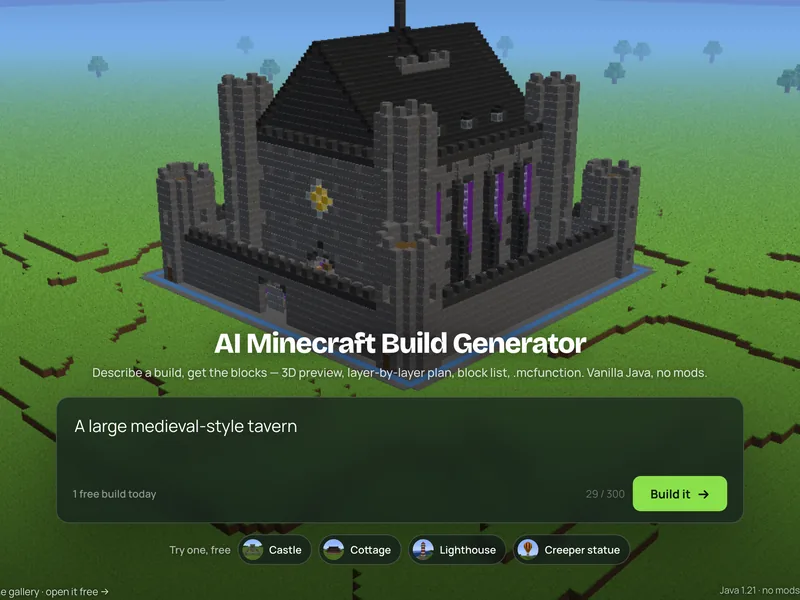 Describe the build
One structure, in plain words. Style words help: “mossy”, “Japanese”, “ruined”.
- 2
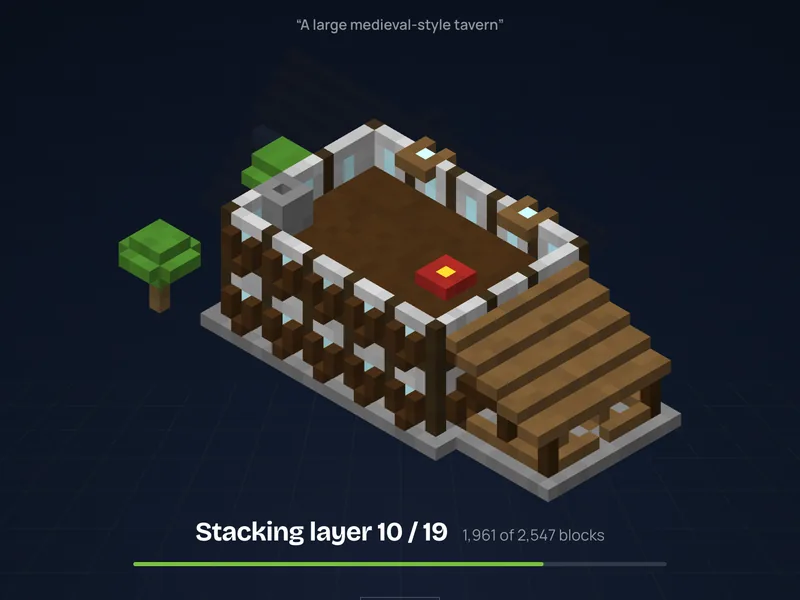 Watch it go up
About 20–40 seconds later it appears in 3D and rises layer by layer.
- 3
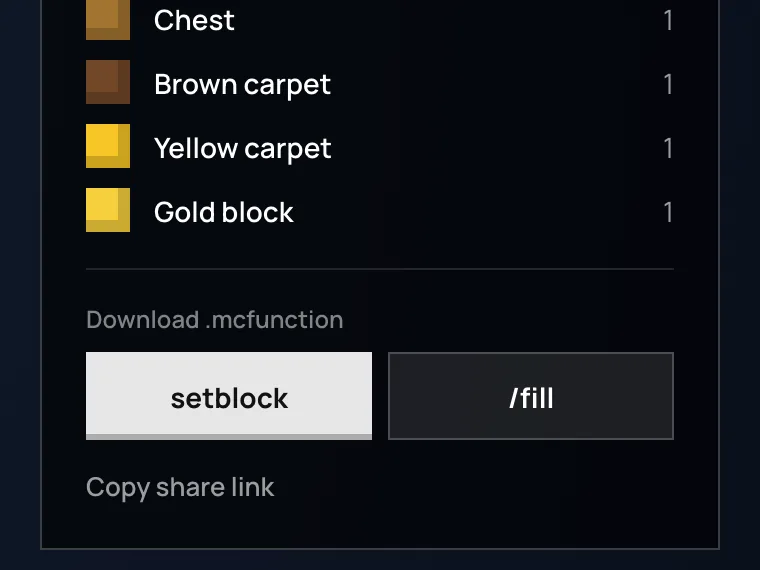 Take it into your world
Download the .mcfunction and place it with one command, load the .litematic or .schem in Litematica or WorldEdit, or build it by hand from the layer plan.
Everything you need to build it, from one prompt
Block Dreamer is an AI Minecraft build generator. Instead of a tutorial to follow or a design to work out yourself, you describe a structure and get the build, with everything needed to put it in your world.
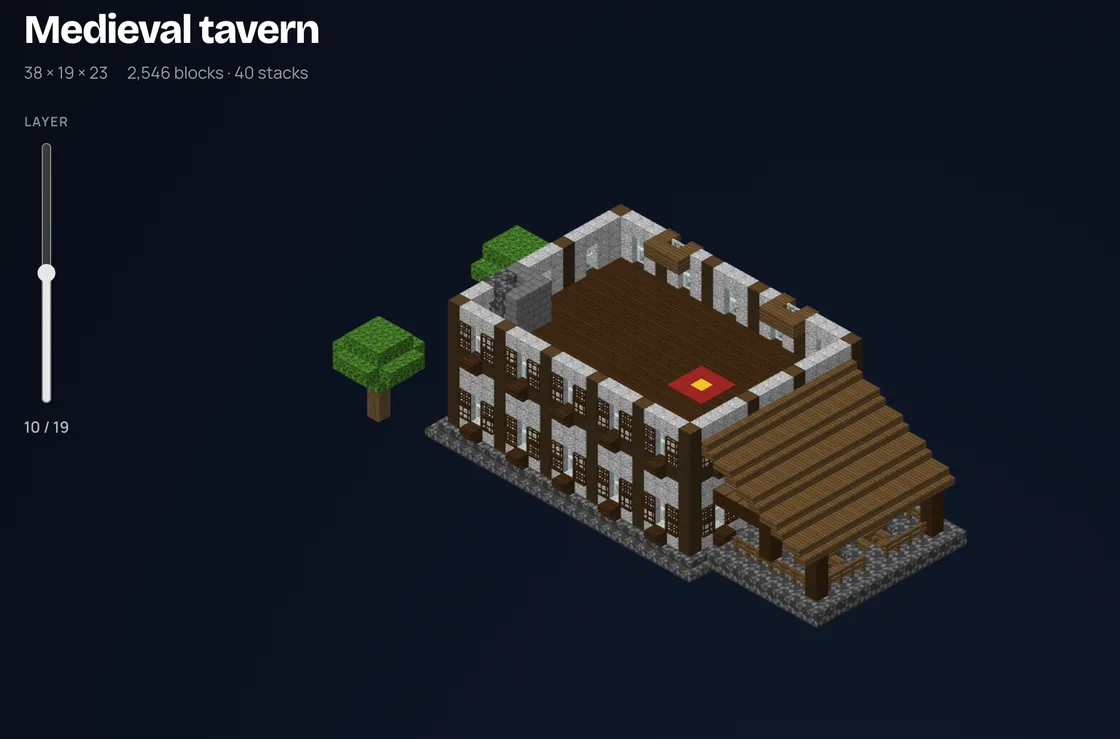
See it in 3D, then build it layer by layer
Turn the finished build around and zoom in before you spend a single block. Cut it at any height to see every room from inside, then follow it one level at a time, the way you would build it in survival, or on Bedrock, where the command file doesn’t carry over.
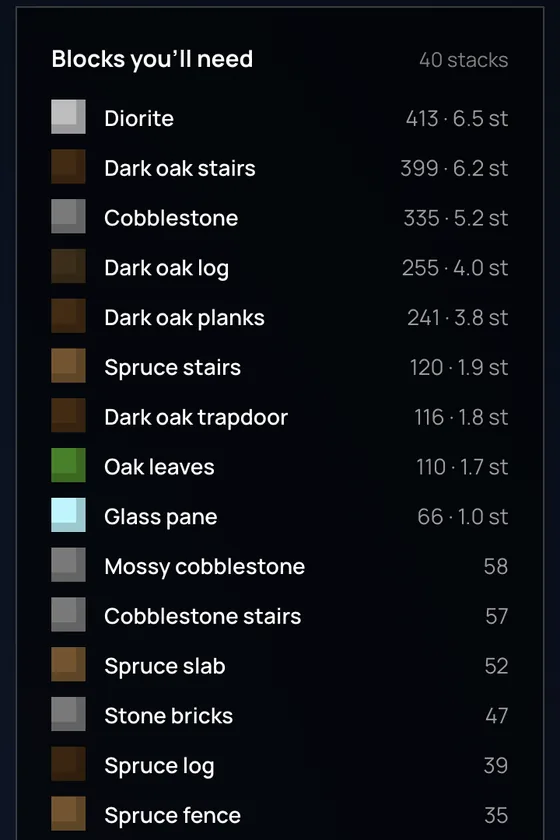
Know what to gather, then place it in one command
Every block comes counted, largest first, in stacks of 64: the shopping list for a survival build. To skip the building, download the .mcfunction (compressed /fill runs, or one setblock per block), drop it into a datapack and one /function command places the whole structure on vanilla Java 1.21. The same build also downloads as a .litematic and a .schem, for Litematica and WorldEdit. Each build also gets its own page with the 3D model and downloads, to send to your server.
How the Minecraft building generator works
A build has to hold together once it’s in the game. Before the AI Minecraft build generator shows you a result, three things see to that.
The model builds with a kit of gable and hip roofs, timber walls, arcades, battlements, round towers, domes, spiral stairs and furnished rooms, plus ready-made houses, towers and temples.
Every block is matched to a real Java 1.21 block and facing. Whatever the game wouldn’t hold gets fixed: a floor under each bed, chains for hanging lanterns, a rim around water.
On Pro and Studio, a second model looks at the finished build and may try another version, then picks one of the two.
Statues and creatures can’t be put together from parts, so they are carved instead: a picture first, then a 3D model, then blocks. That takes about a minute.
What it builds well, and what it won’t
Builds well
- ✓Houses, cottages, towers, castles, temples, lighthouses, bridges
- ✓Interiors with doors, windows, stairs, lanterns and furniture
- ✓Statues, creatures and objects, carved from a 3D model
- ✓Buildings up to 48 × 40 × 48 blocks, sculptures up to 120 on their longest side, 200 for a slim statue or tower
Won’t do (yet)
- –Whole cities or landscapes: it makes one structure per prompt
- –Redstone circuits and command-block contraptions
- –Old .schematic files and Bedrock .mcstructure: exports are .mcfunction, .litematic and .schem
- –Commands on Bedrock: Bedrock players build from the layer plan by hand
Web generator, schematic or mod: which fits how you play?
Search for an AI Minecraft build generator and four other kinds of tools come up. They suit different setups; this is how they compare once you want the build in your world.
| Kind of tool | Designs it from your words | To place it you need | Block list and layer plan | Bedrock |
|---|---|---|---|---|
| Block Dreamer | ✓ | Nothing: a vanilla .mcfunction (Java). Also .litematic and .schem | ✓ | Build from the layer plan by hand |
| Schematic-only AI tools | ✓ | WorldEdit or Litematica (.schem, .litematic) | Not on the ones we checked | Depends on the tool |
| AI build mods | ✓ | A modded game, often an API key | ✕ | Usually Java only |
| AI image generators | A picture, not blocks | Can’t be placed | ✕ | — |
| Blueprint and shape tools | You pick a shape | Nothing: you build by hand | ✓ | ✓ |
If you play vanilla, on a server without mods, or build by hand in survival, the .mcfunction and the layer plan cover it. If you already run Litematica or WorldEdit, the same build downloads as a .litematic or a .schem.
Compared from the tools’ public pages in September 2026.
Start from a finished build
Real results from the AI Minecraft build generator, each shown with the request it came from. Opening one is always free.
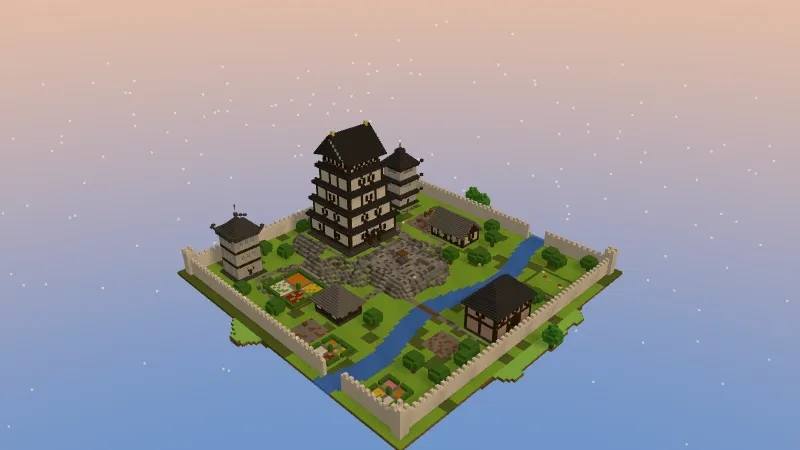
A Japanese castle keep with tiered dark roofs on a stone base, inside white walls with a river through the grounds
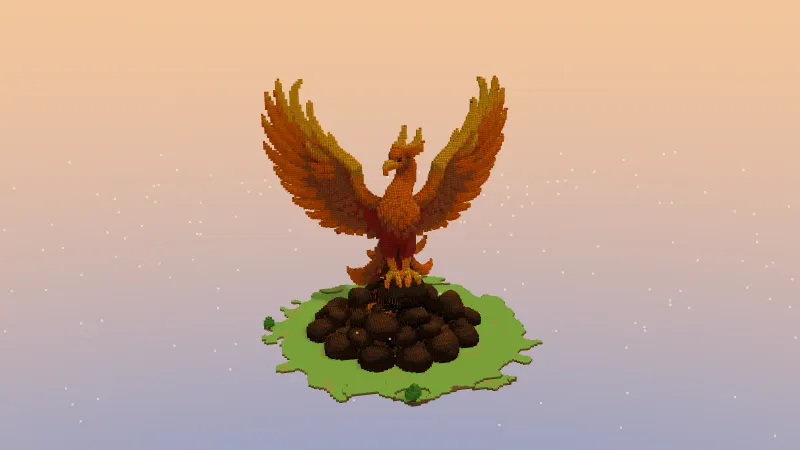
A phoenix rising from a pile of rocks, wings spread, red to gold
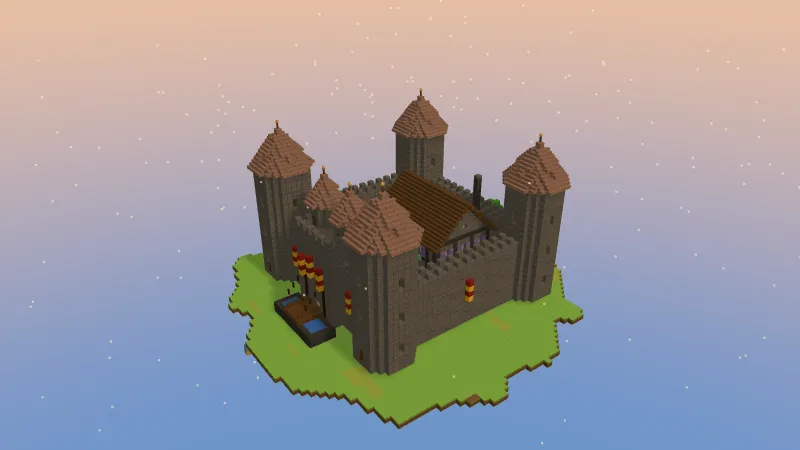
A medieval stone castle with round corner towers, red cone roofs and a drawbridge
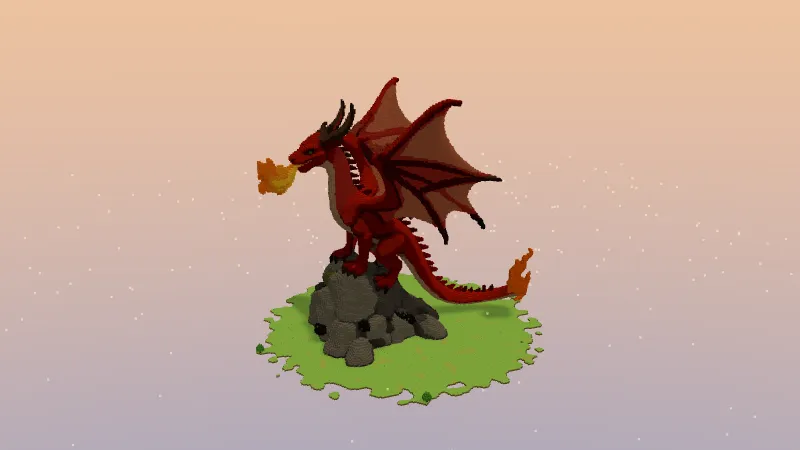
A red dragon breathing fire on a rocky cliff, wings spread
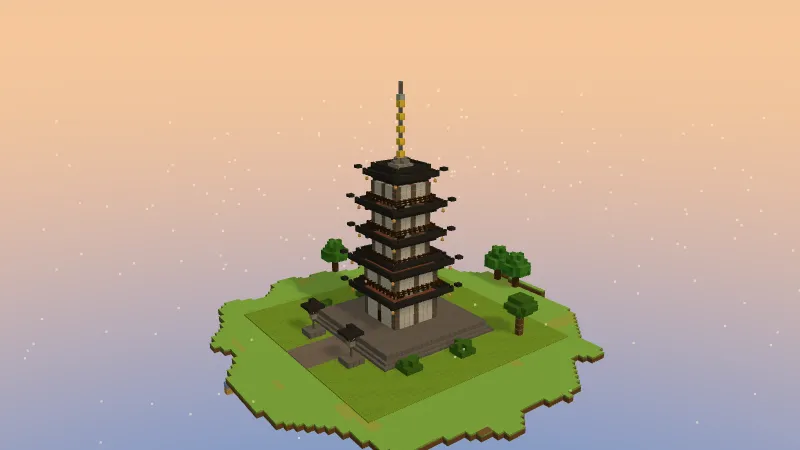
A five-storey Japanese pagoda with red pillars, white walls and dark roof tiers
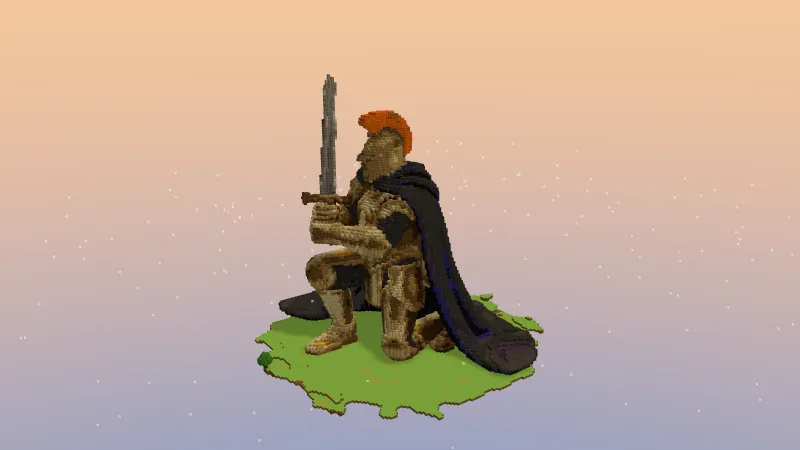
A colossal knight kneeling with a greatsword, gold armour and a blue cape
Questions before your first build
Is the AI Minecraft build generator free?
Yes, to start. A new account gets 1 free build, in Detailed 3D or Classic, and gallery examples are always free to open. Pro adds 75 credits a month (37 Detailed 3D or 75 Classic builds) and a second look at each build.
Can AI really make a Minecraft build you can place?
Yes, as long as what it makes is blocks rather than a picture. Every build from the AI Minecraft build generator is a list of real Java 1.21 blocks with their facing, checked for anything the game wouldn’t hold, so every download places exactly what you saw in the preview.
Do I need WorldEdit, Litematica or any mod?
No. The default download is a vanilla Java function: it runs from a datapack with one /function command, including on servers that don’t allow mods. If you do use them, the same build also downloads as a .litematic for Litematica and a .schem for WorldEdit or FAWE.
How do I put the build into my world?
Download the .mcfunction, put it in datapacks/<pack>/data/<ns>/function/ inside your world save, run /reload, stand where the build should go and run /function <ns>:<name>. Coordinates are relative to you. With Litematica or WorldEdit, download the .litematic or .schem instead and load it there.
Does it work on Bedrock?
The 3D preview, the layer plan and the block list work for everyone. The .mcfunction, .litematic and .schem files are Java-only, so on Bedrock you build it from the layers by hand.
setblock or /fill: which file should I use?
/fill is smaller and faster for big builds; setblock is one line per block and easiest to read or edit. Both place the same result.
How big can a build be?
A Classic build goes up to 48 × 40 × 48 blocks (width × height × depth) and 40,000 blocks in all; a Detailed 3D sculpture up to 120 blocks on its longest side, or 200 when it is slim, like a statue or a tower. For scale, the stone castle in the gallery is 43 × 32 × 46 and 9,222 blocks.
Can it make statues, creatures or builds from an image?
Statues, creatures and objects, yes: they are carved from a 3D model made from your description, which takes about a minute. Building from an uploaded picture isn’t possible yet, so describe it in words instead.
Is there a blueprint maker for Minecraft builds?
Yes, the AI Minecraft build generator doubles as one. Every build comes with a layer plan and a block count in stacks, so you can plan a hand build of your own design instead of copying someone else’s.
Doesn’t AI take the fun out of building?
It takes away the blank page, not the building. You can still place every block yourself from the layer plan; the AI gives you a design to follow, and you can change anything as you go.
Who can see my builds?
Only you, until you share one. Sharing gives the build a public page with its 3D model and downloads; builds you don’t share stay private.